
1 long video imported, +50 clips ready to publish.
One video → its best clips
A whole channel → its videos cut into clips automatically
Channel scan & auto-pilot
Paste a channel link. Its videos cut themselves.
A YouTube, Twitch or Kick channel. Scan at your pace: you pick the videos to clip (up to 30 per batch on Business, 15 on Pro). Auto-pilot: plug in your channel, every newly published video is detected (by regular checks, every 20 minutes on Business, every hour on Pro) and processed on its own — transcription, best-moment detection, cutting, captions, posting. Pro and Business plans.
Learn more →













Automatic reframe
Vertical, horizontal, square… 6 formats to choose from
Automatic reframing into whatever format you want, with a blurred social-style background, and captions burned in straight from the transcript. Download, post, done.
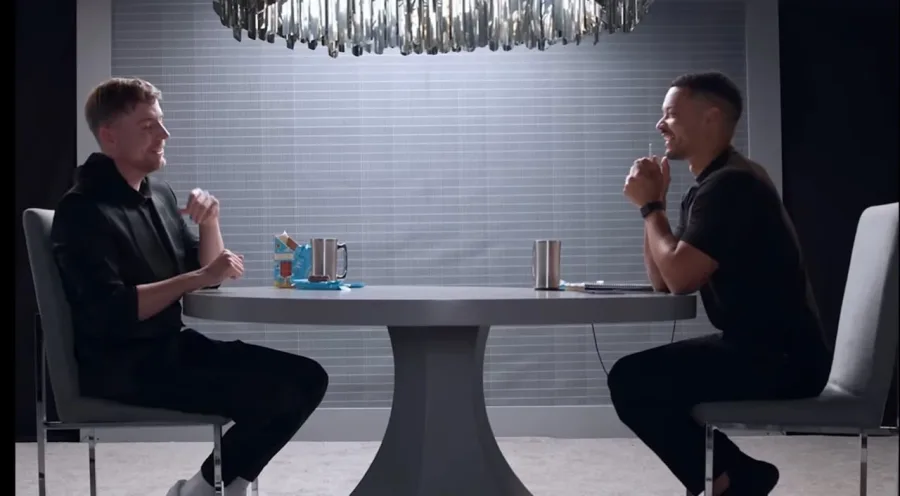
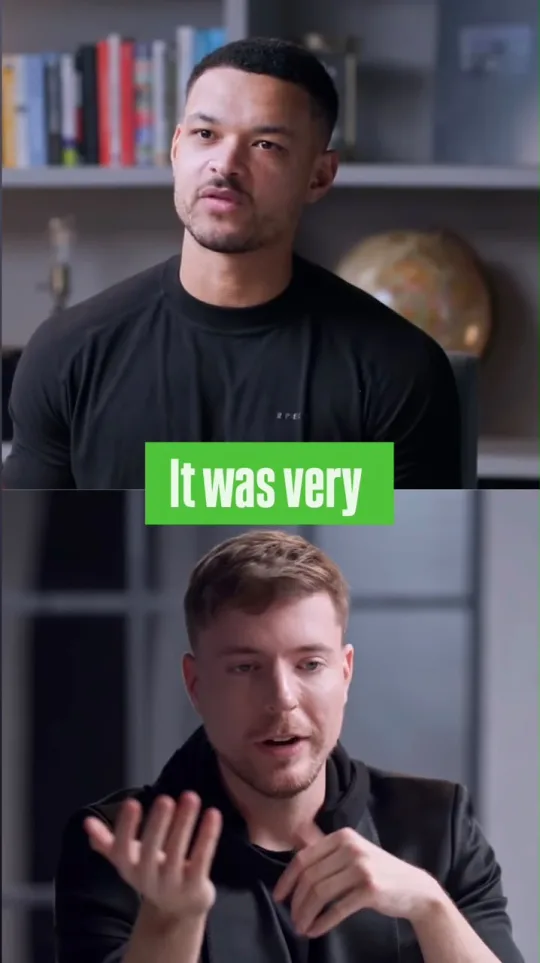
16:9 → 9:16, blurred background, subject recentered, captions burned in
Editing chat
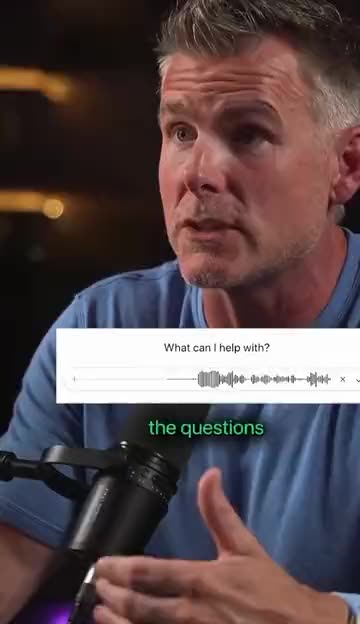
Cut exactly where you want, by voice or by text
Describe the segment you want to keep — the assistant finds the exact timestamps in the transcript and proposes the clip, which you can adjust before approving.
AI Detection
AI that spots the best moments
The time-coded transcript is analyzed for hooks, punchlines, reveals, and actionable tips — every suggestion is scored and ready to cut.
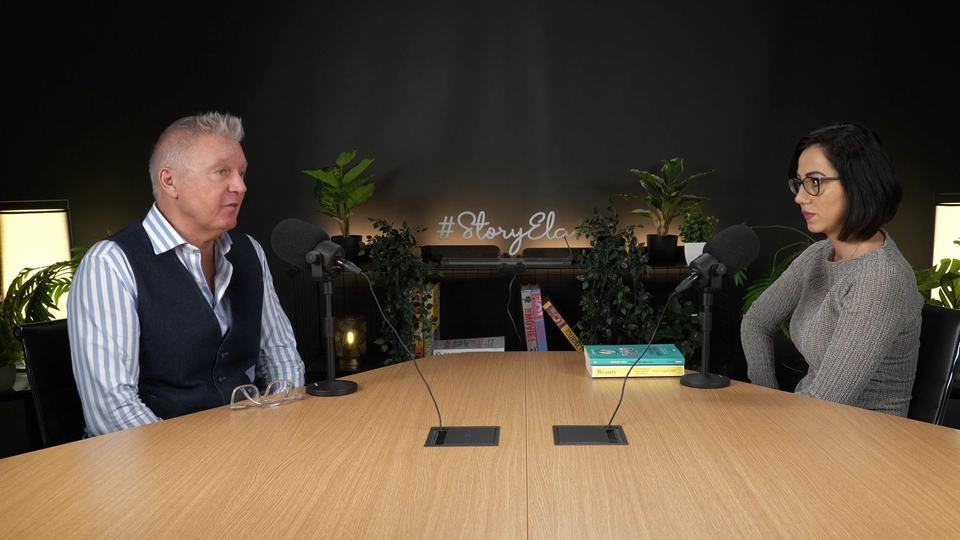
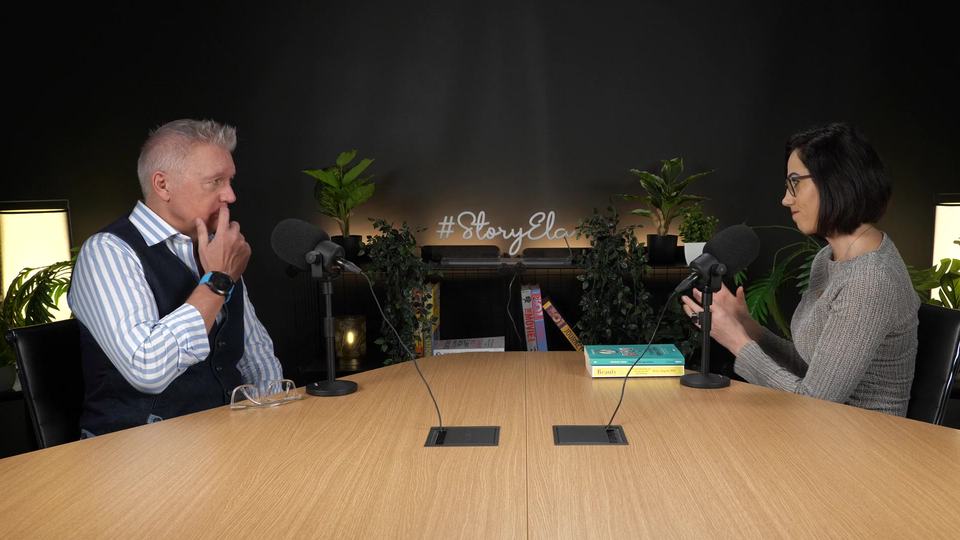
 AI is spotting the best moments…







 94TRUE
 88BOOM
 91PULSE
 85GLOW UP
The essentials
What actually makes the difference
The most differentiating features — find everything else on the dedicated page.
IMPORT
Multi-platform import
Connect YouTube, Twitch, Kick, or Google Drive to import your videos and VODs directly (Kick goes through its public API).
 MY SINGLE
HIGHEST ROI
CAPTIONS
Up to 100 caption styles
Gaming, minimalist, neon, glitch — pick a style, preview it live.
CHANNEL ANALYTICS
Channel analysis
Paste a YouTube, Twitch or Kick channel link: Averoai.pro analyzes the public metadata of its recent videos (titles, durations, views) and pulls out patterns and content ideas.



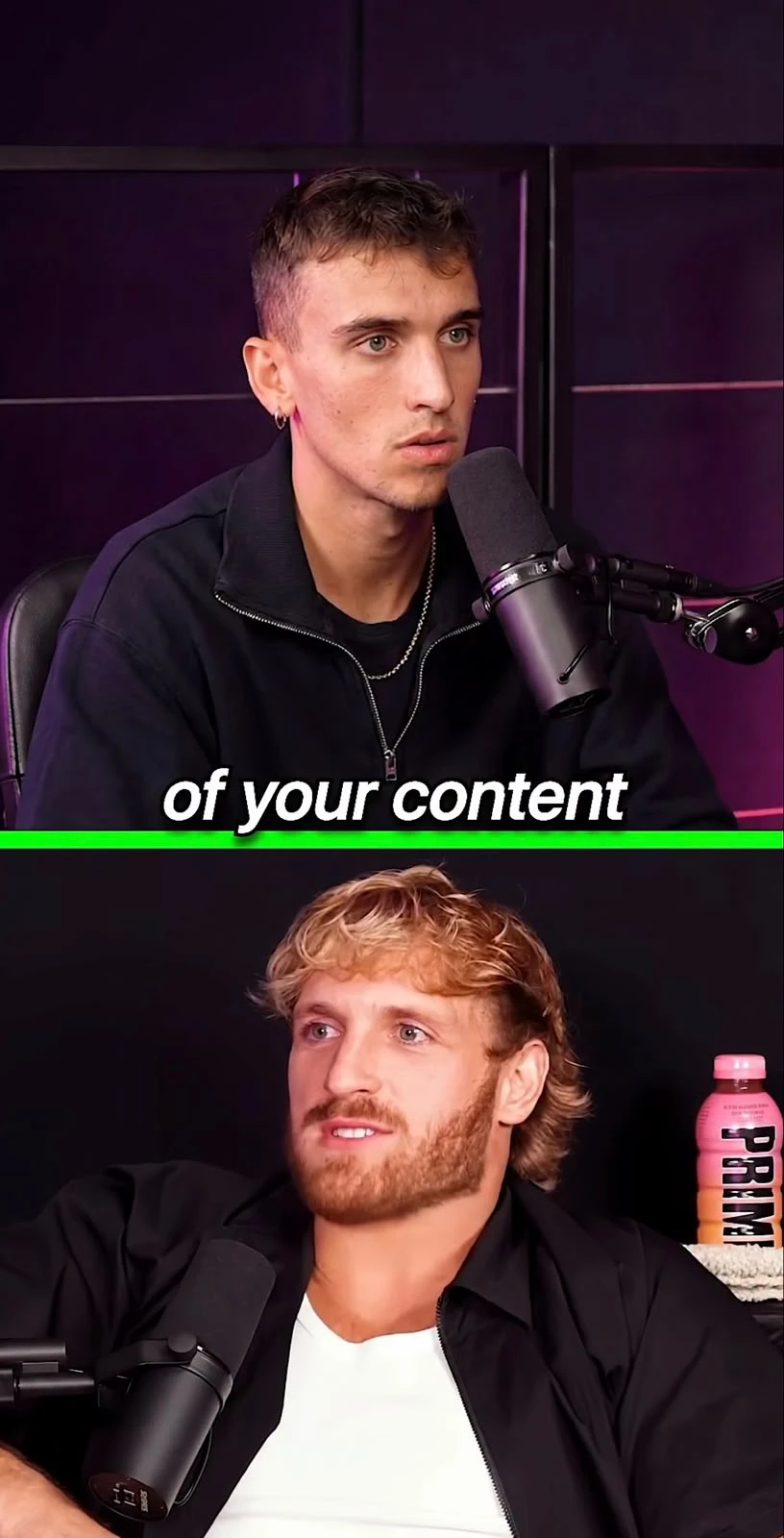

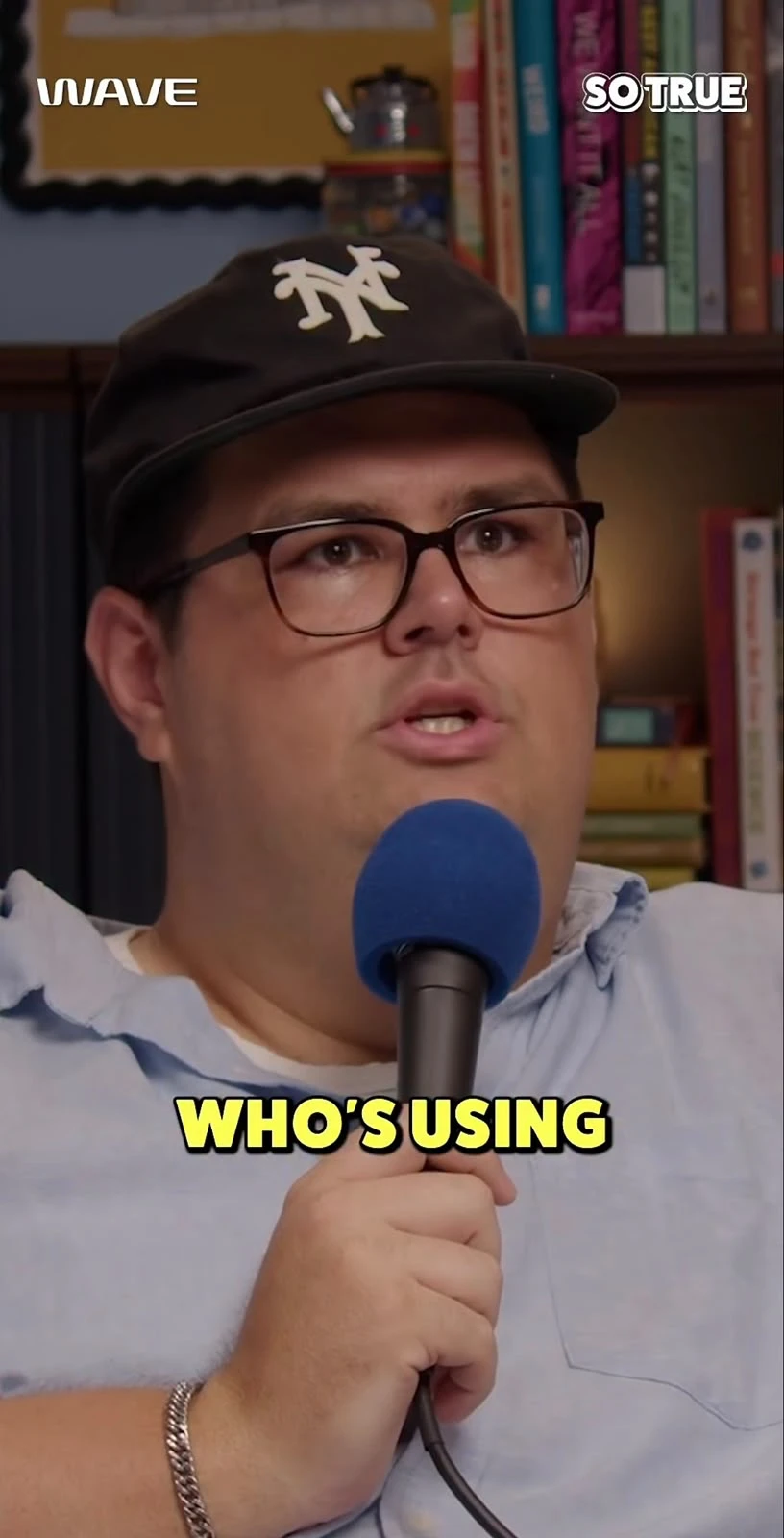
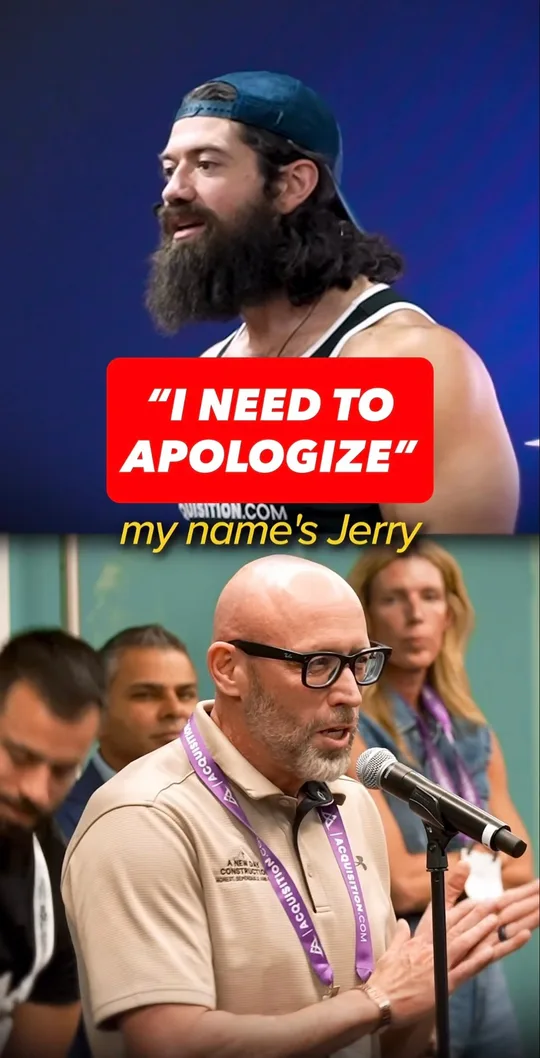


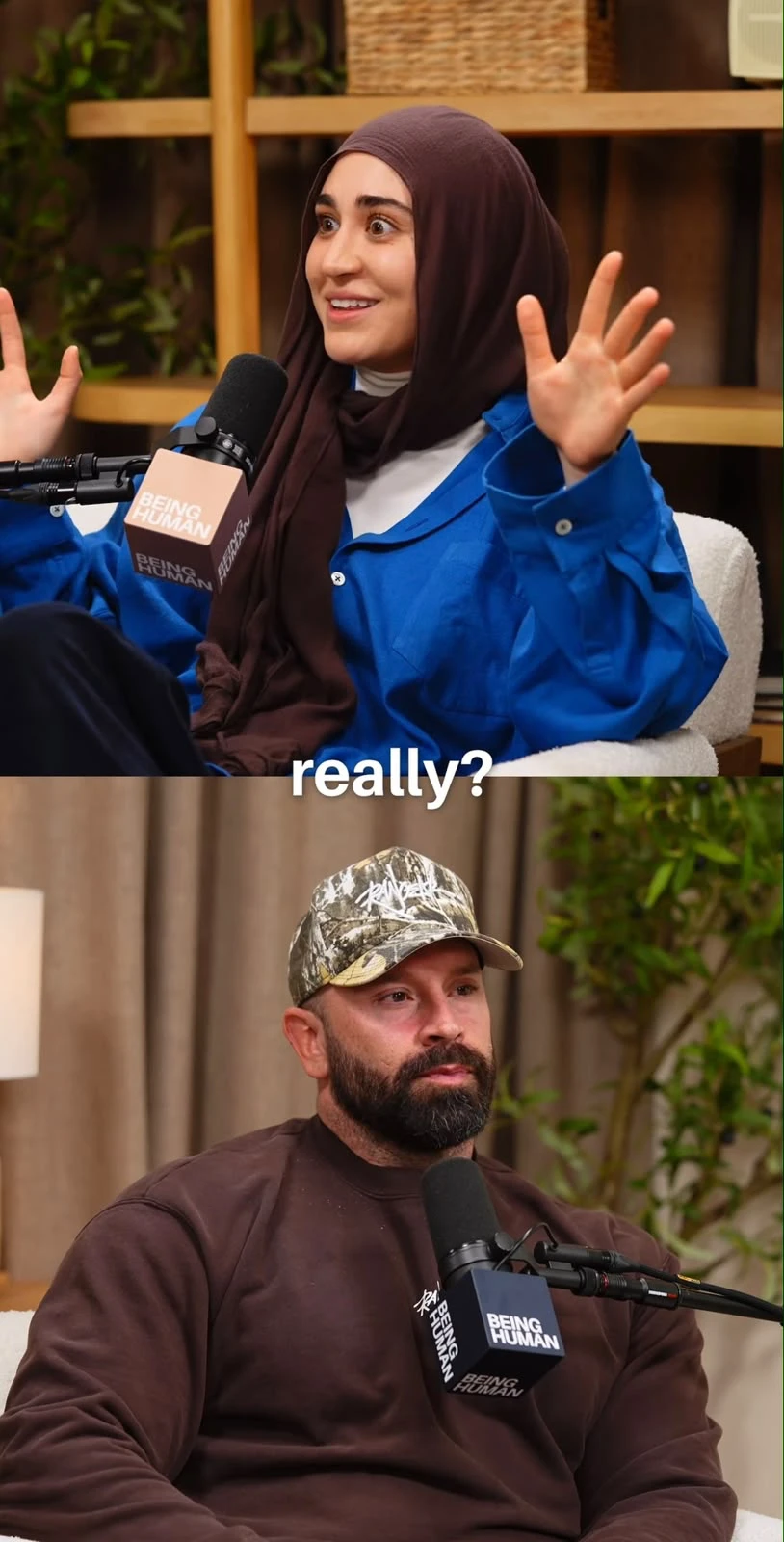



VOLUME
Mass clip generation
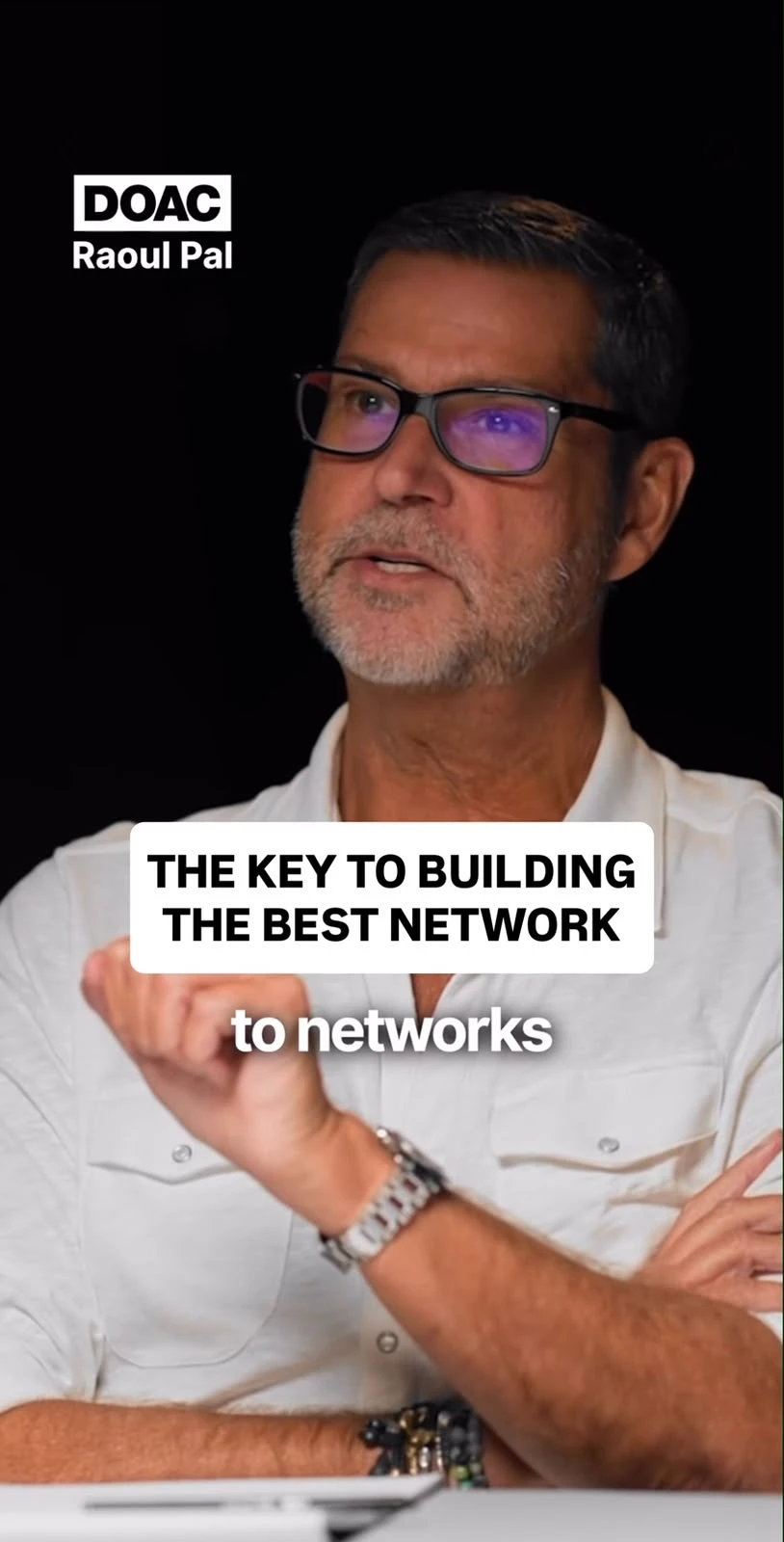
Up to 10, 20 or 50 clips generated automatically from a single long video, depending on your plan.
PERFORMANCE
Estimated viral potential
A %, not a blind number — the factors are broken down on the page.
October 2026
Publishing
Scheduled auto-posting
Instagram, Facebook and X included from the Pro plan — with Instagram trial reels (test a clip on a fresh audience before it goes fully public). TikTok, YouTube Shorts and LinkedIn added on Business (TikTok is temporarily unavailable: access being re-validated).
 AI-picked B-roll
 Stock B-roll
EDITING
B-Roll
The AI illustrates what you say with free-to-use images, or places your image in a silence of the clip — in one click on Pro and Business, by hand on every plan.
CONTENT UNIVERSE
One video, a whole content universe
Averoai.pro finds the topics actually covered in your video and generates LinkedIn posts, X threads, articles and emails ready to publish — grounded in what's really said.
Got questions?
Just a video (or a YouTube link) — that's it. Averoai.pro handles automatic transcription and best-moment detection with no setup on your end, no API key to provide. ffmpeg and yt-dlp are already bundled, nothing else to install.
On our servers, securely — not local processing on your machine. Your video is stored while it's being processed and edited. The transcript text goes to Anthropic to spot the best moments and power the chat. The extracted audio goes to OpenAI (Whisper API) for transcription when that provider is configured server-side; otherwise transcription runs directly on our own servers (an open-source Whisper model) and that audio never leaves Averoai.pro. Nothing is resold or used for advertising.
Describe the segment you want cut, by text or by voice (dictation right in the browser, no external app needed). The assistant finds the exact timestamps in the time-coded transcript and proposes a clip with a start and an end. You can then refine it by voice or text — "a bit earlier", "keep the audience question too" — before running the final render.
Once the video is transcribed with timestamps, the transcript is analyzed for hooks, punchlines, revelations, and actionable tips. Each detected segment gets a viral-potential score to help you prioritize — it's a decision aid, not a guarantee: you stay in control to approve, tweak, or ignore each suggestion.
MP4, MOV, and WebM as input. On output, 6 formats on demand, per clip: vertical 9:16, horizontal 16:9, square 1:1, portrait 4:5, classic 4:3, or cinema 21:9 — with a blurred social-style background and optional burned-in captions on each, no need to redo the whole edit.
No, there is no free trial. You can paste a link, a channel or upload a video to see how Averoai.pro presents your clips (2 previews open at most). Real clips are produced as soon as your monthly or annual subscription is active, paid right away. The only cost is your Averoai.pro subscription.
Yes, at any time from the Account page. Cancelling is how you avoid being charged again: you keep full access until the end of the period you already paid for. Payments are final: there are no refunds.
Four sources in total: YouTube, Twitch (a VOD or a channel), Kick (a VOD or a channel) and Google Drive (a share link), on top of file upload. You paste your link, or drop your video file if you prefer. After that it is the same processing: transcription, best-moment detection and automatic clipping.
Starter: 20 videos a month and up to 10 clips per video. Pro: 60 videos and up to 20 clips per video. Business: 100 videos and up to 50 clips per video. "Up to" is a ceiling: Averoai.pro keeps only the passages truly worth publishing, not a number to fill. Each plan also includes source video time each month: 6 h (Starter), 12 h (Pro), 18 h (Business). If a video goes beyond the time you have left, it is still accepted: the difference is covered with credits.
Nothing is cut off midway: videos already started run to the end. To process more before renewal, you can move up a plan or, when it is open, add usage credits. Your quota renews on your billing period date. The number of videos and the source video time renew together.
They top up an active subscription, from €5. One extra video (up to 90 minutes) costs €2.50; from a €50 pack, 10% extra credit is added. They are only used once the videos included in your plan are used up, they never expire at renewal, and the history is visible in your account. You can turn on automatic top-ups (never on without your agreement) so you are never interrupted. They do not replace the subscription.
Get started with
A video link for its best clips, a channel link to clip every new video.
One video → its best clips
A whole channel → its videos cut into clips automatically
Workflow automation
Your editing pipeline, on autopilot
A video goes in, a post-ready clip comes out — every step flows without you lifting a finger.
Import & transcription
As soon as it's dropped, the audio is extracted and transcribed automatically — no manual step.
AI editing
By default the AI does it all: it finds the best moments, cuts, reframes and adds subtitles. Then you can change anything by hand in the editor — cuts, subtitles, framing — or give instructions by voice or text.
Post-ready export
Reframed to the format you choose (vertical, horizontal, square…) with subtitles burned in. Download right away, or let Auto-Post schedule and publish to your social accounts (depending on your plan).