Automatic multi-format reframe
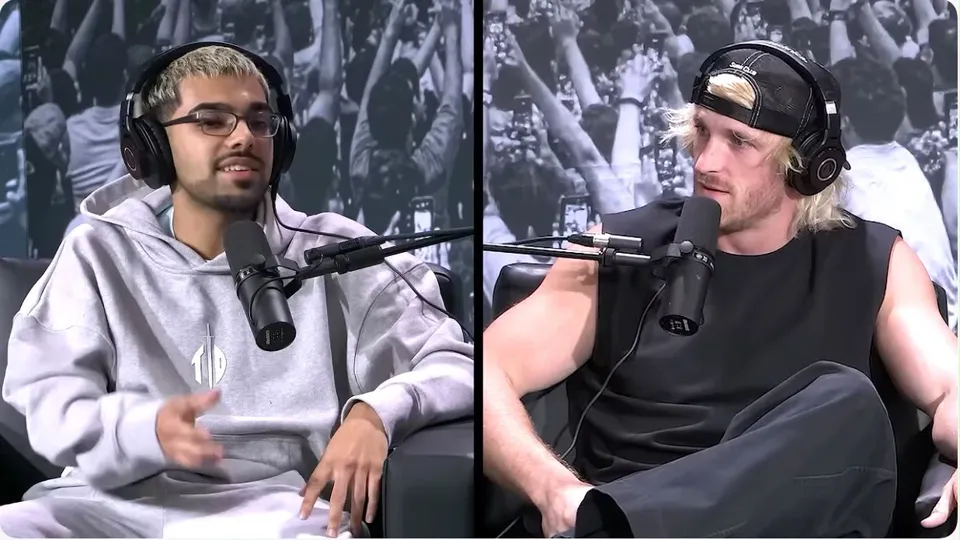
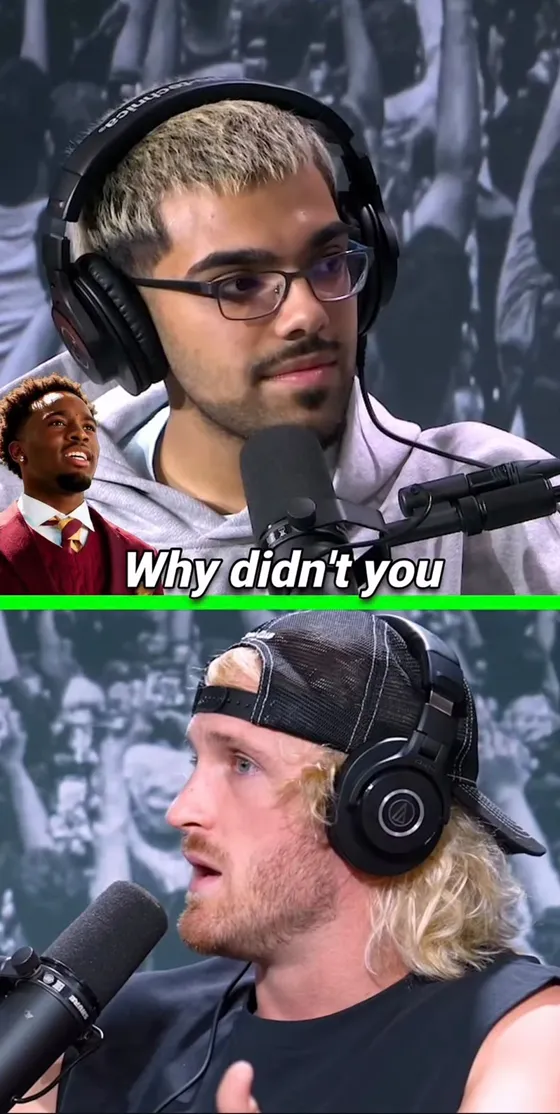
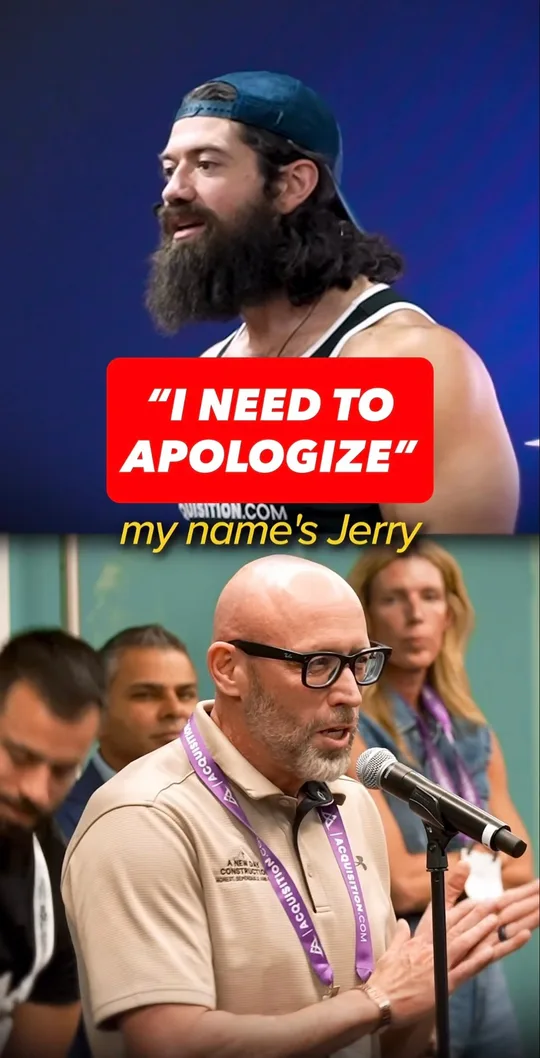
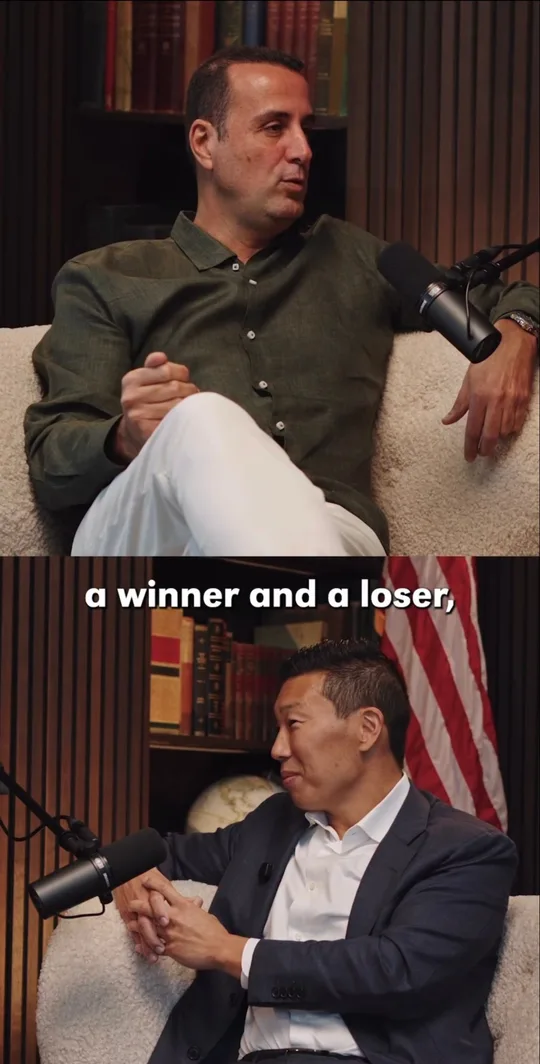
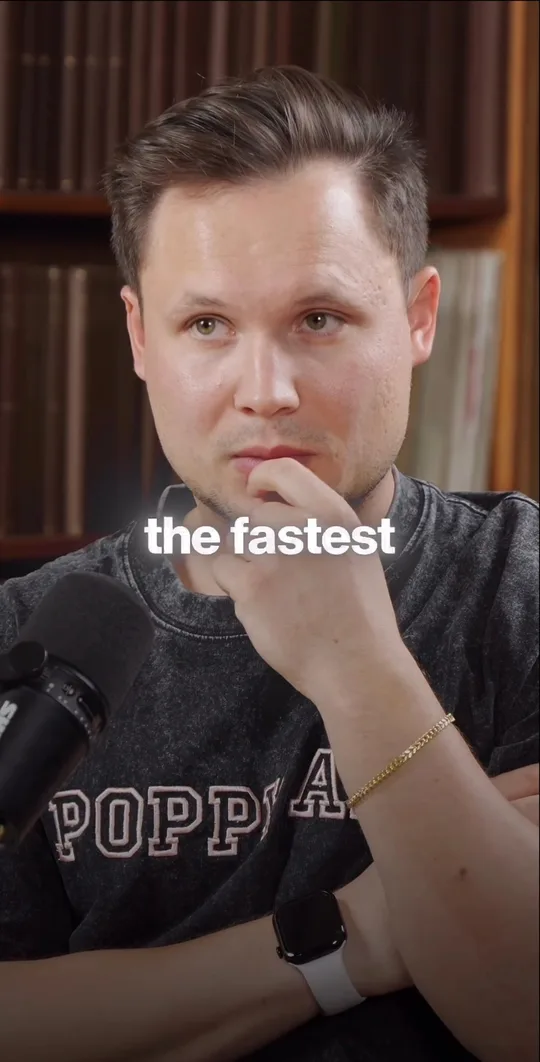
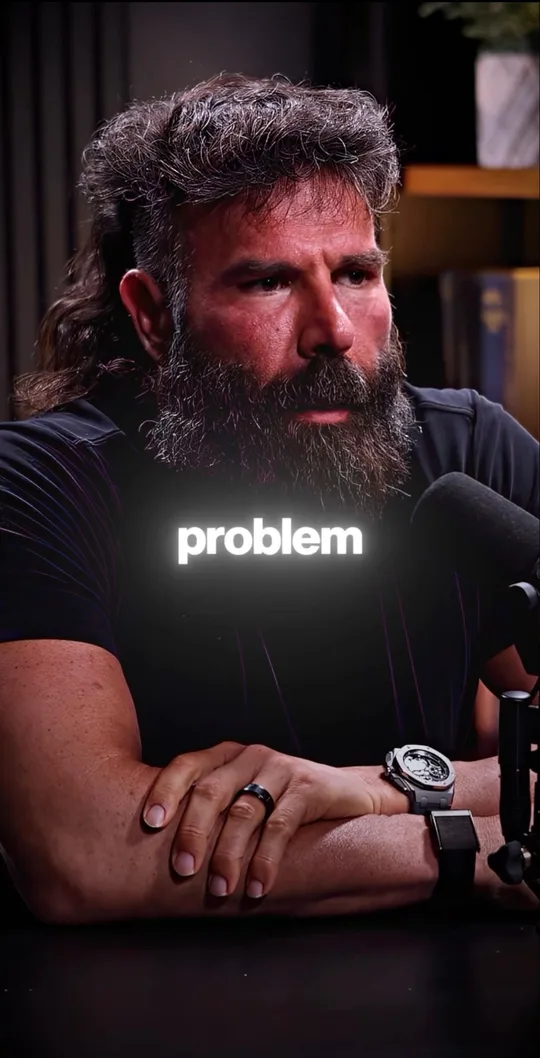
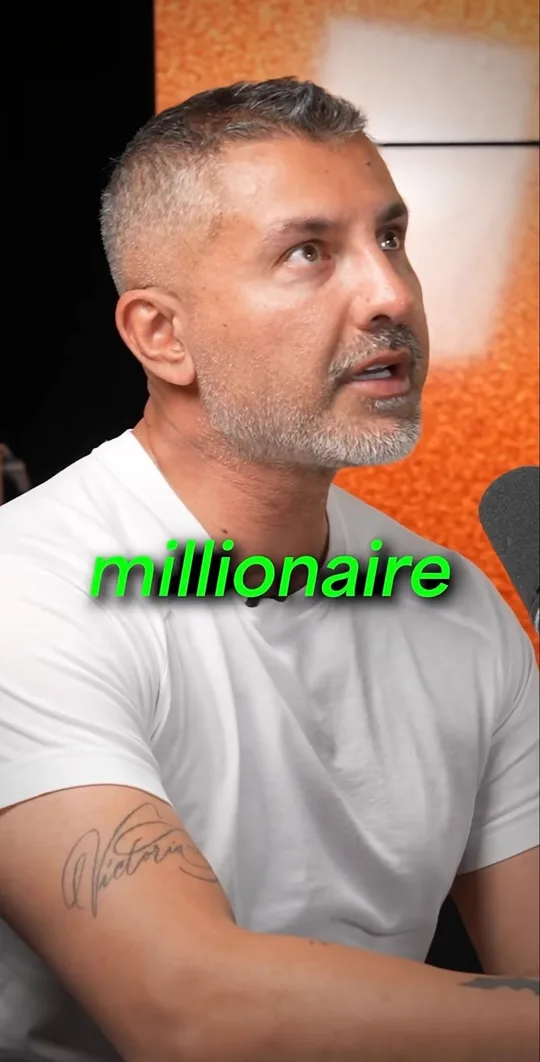
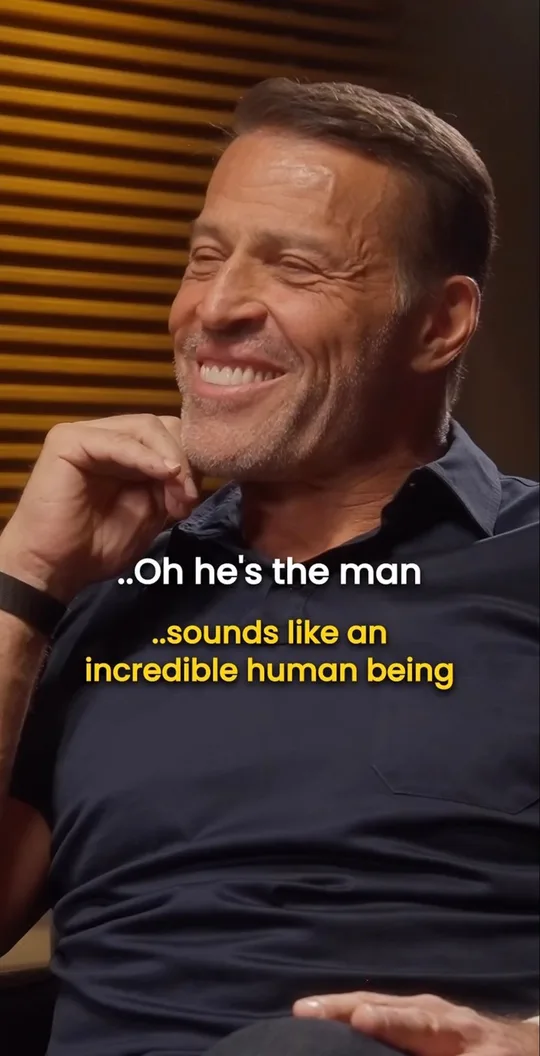
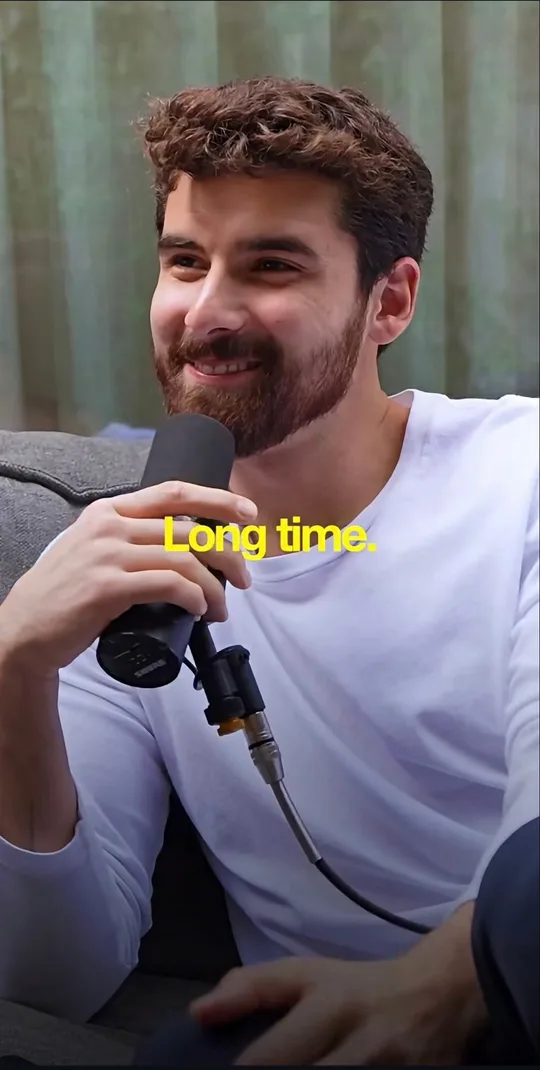
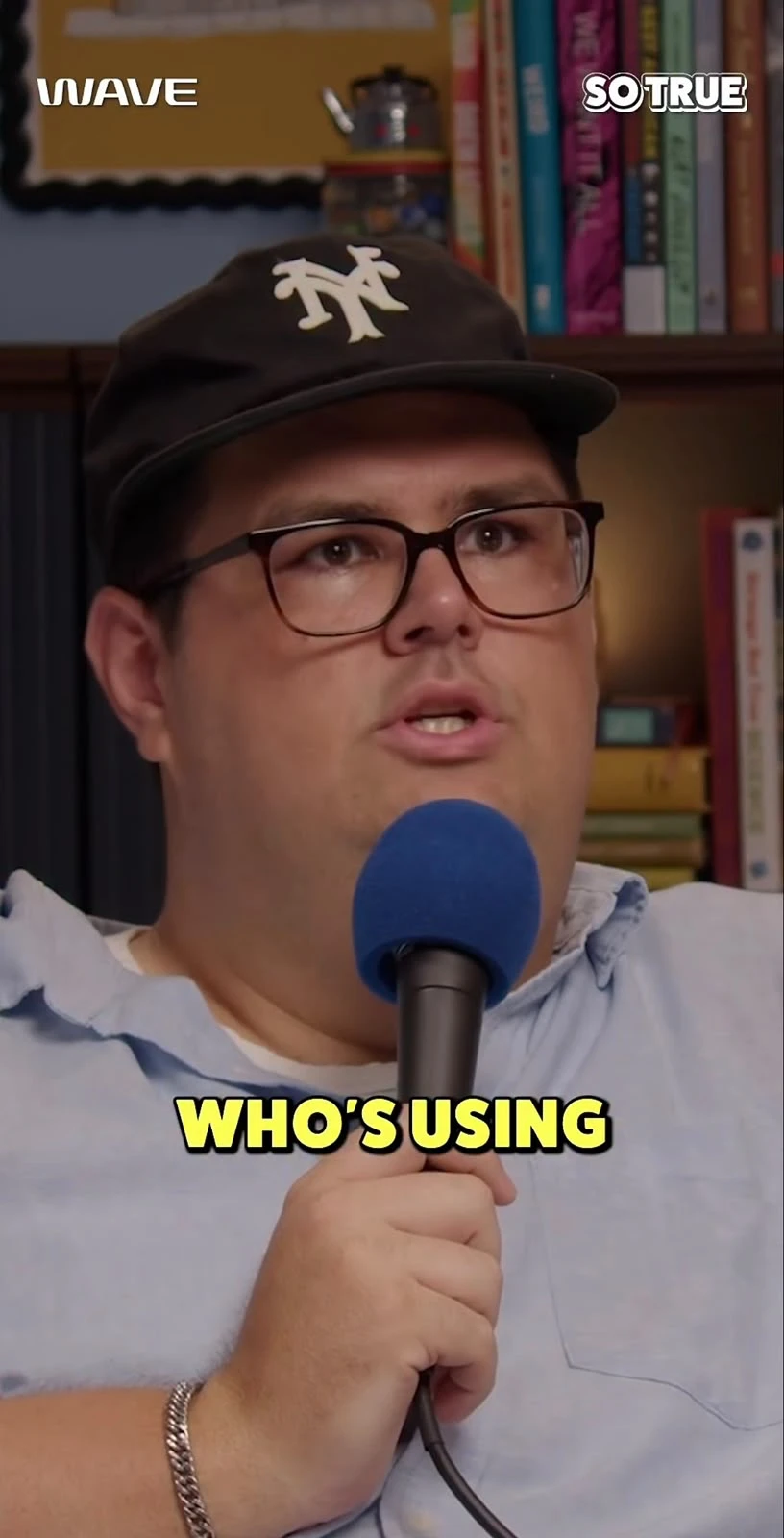
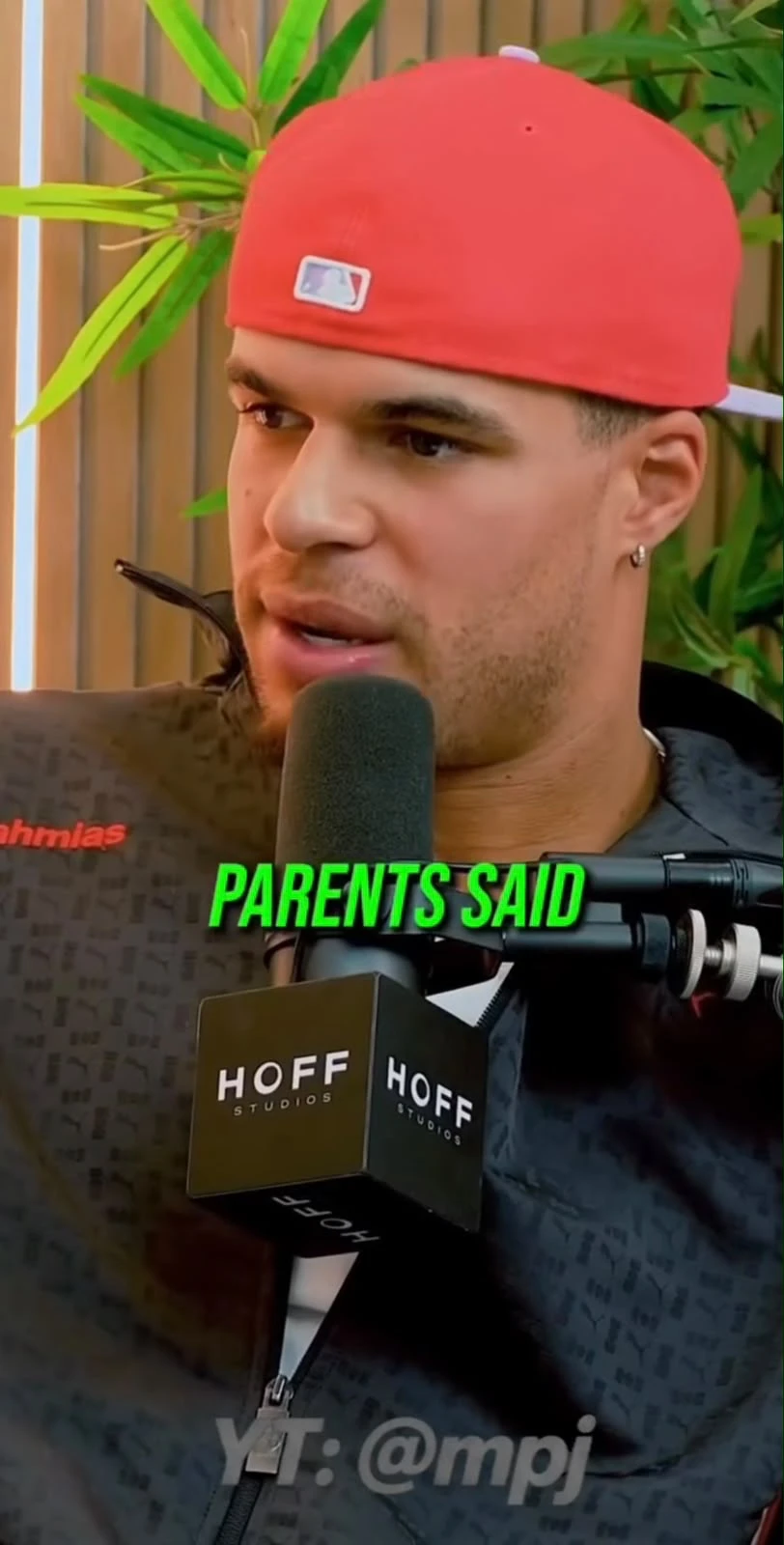
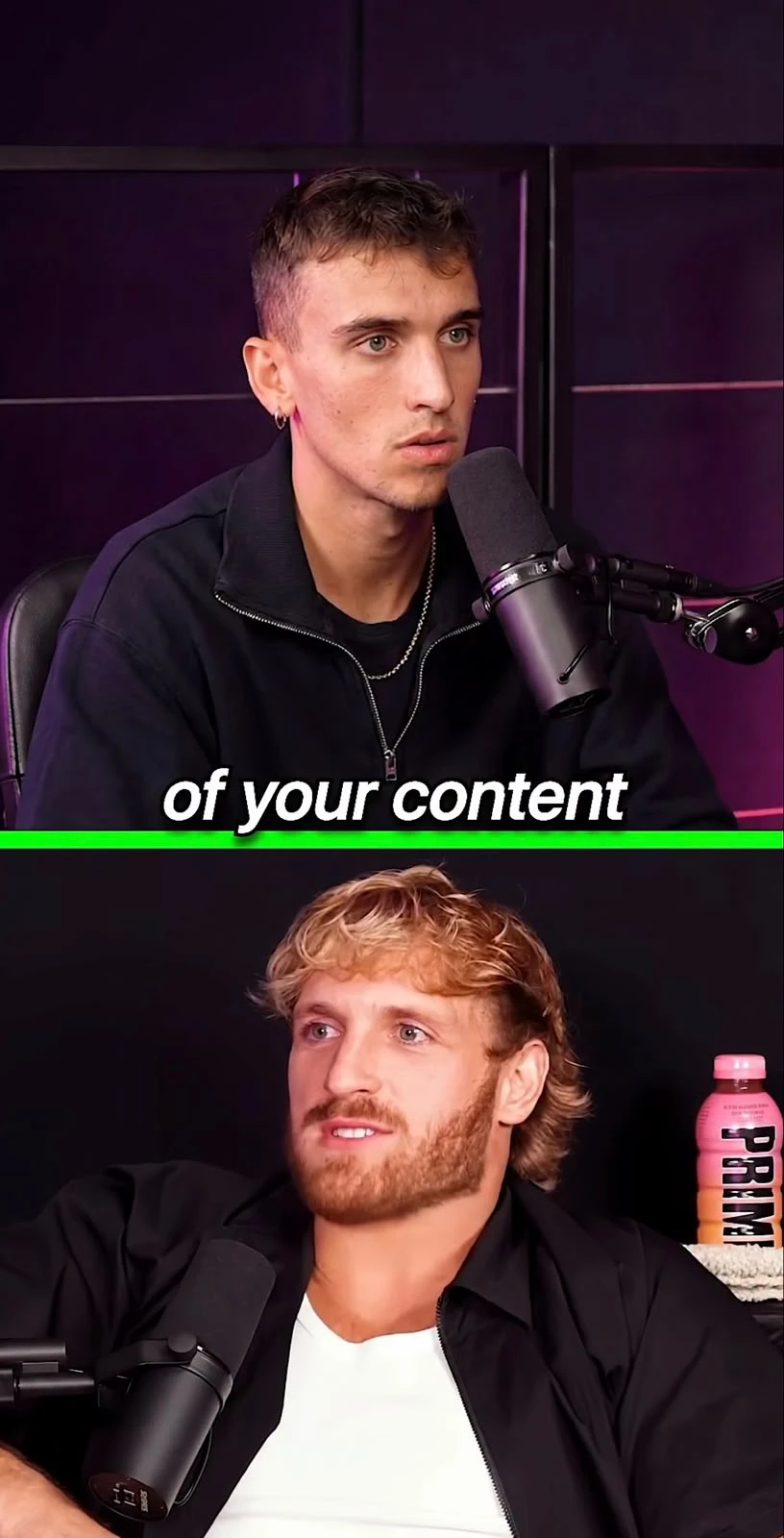
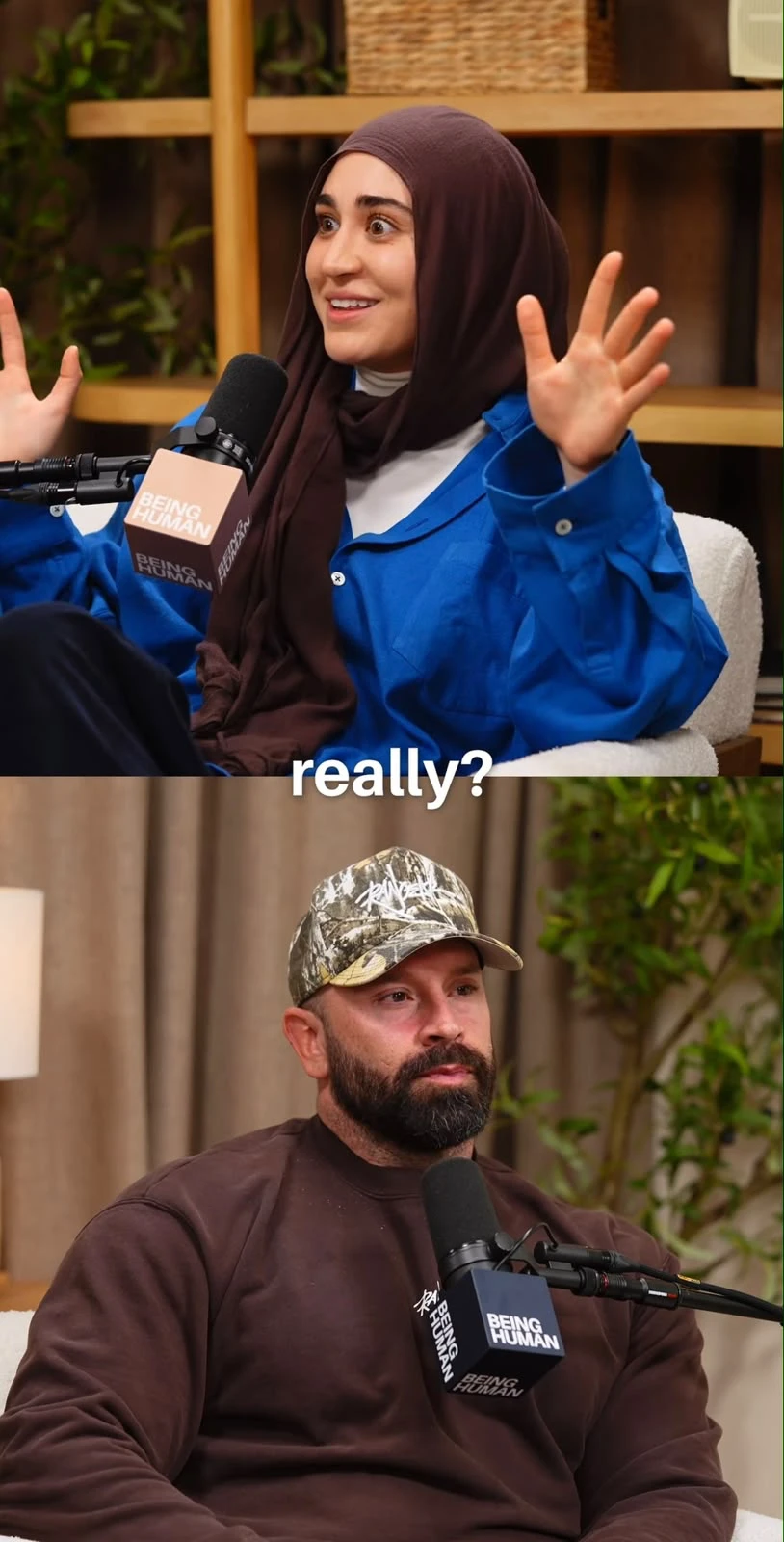
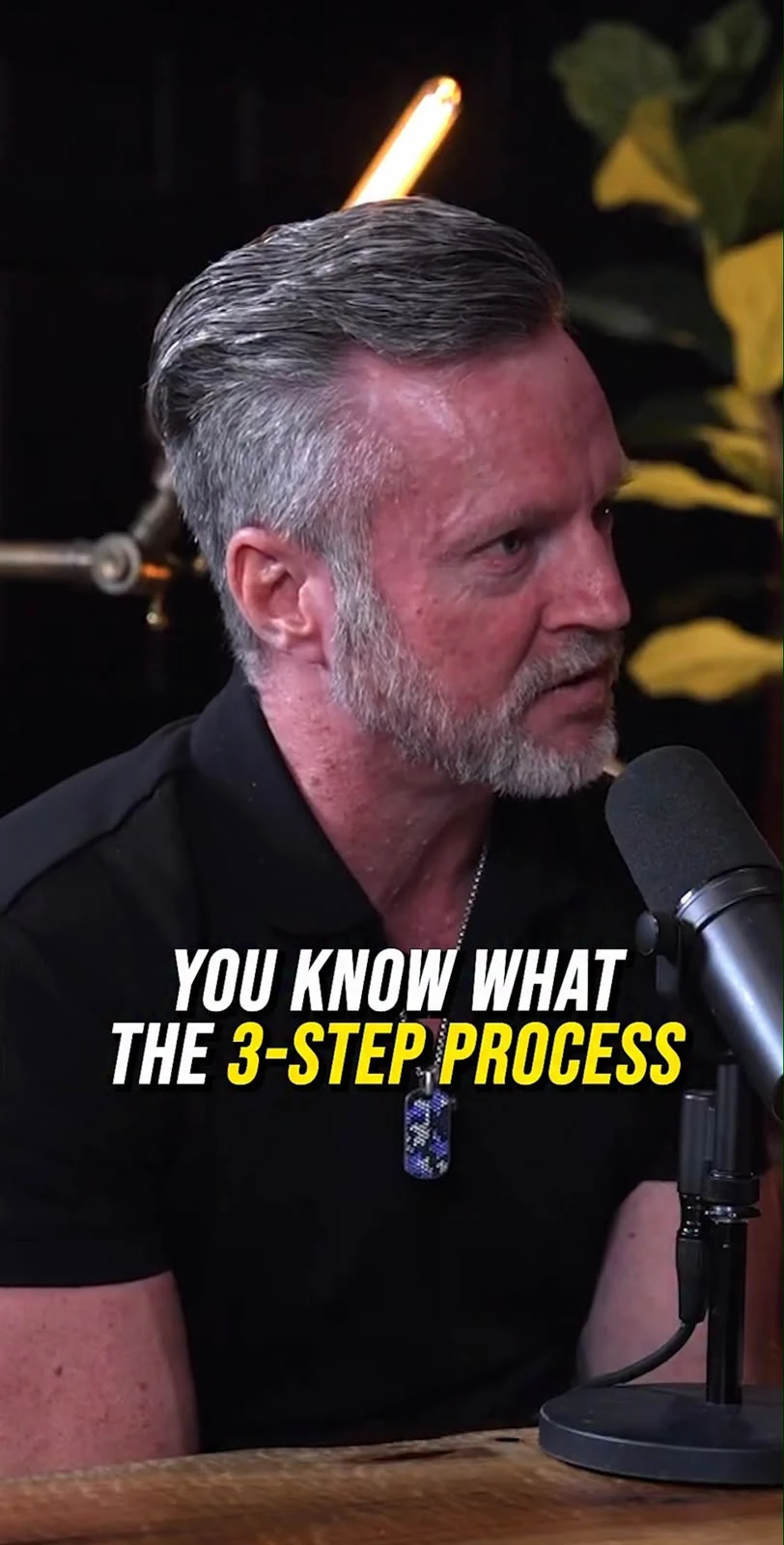
Every clip is automatically reframed to the format you choose — vertical 9:16, horizontal 16:9, square 1:1, portrait 4:5, classic 4:3 or cinema 21:9 — with a social-style blurred background and subtitles burned in from the transcript. The frame follows whoever is speaking, and an automatic zoom emphasises the strong moments.
In practice
Reframe any video, without spending hours on it
Drop a horizontal video, pick a format — reframing, blurred background, and captions are ready with no manual editing.
6 formats, not just 3
Vertical 9:16 for TikTok and Reels, square 1:1 for the feed, horizontal 16:9 for YouTube, but also portrait 4:5, classic 4:3, and cinema 21:9 — on demand, per clip.
The subject stays in frame
The vertical crop is set to keep the right person in view, with a blurred background generated from the source video rather than a plain center crop that cuts off half the face.
Manual reframing stays within reach
Automation does most of the work, but you can always reposition the frame yourself, per clip, right in the editor — never stuck with a result that doesn't fit.
Automatic zoom
A gentle zoom on the strong moments
On a question, an exclamation, a figure or a rise in the voice, the picture moves in smoothly on the person — and only there. A clip with no strong moment gets no zoom at all: never a mechanical rhythm.
Automatic zoom is included from the Pro plan. It can be adjusted in the editor, clip by clip.
A different format for every platform
The AI automatically picks and prepares the right framing for each format — you just choose which ones to export.
Frequently asked questions
How does automatic reframing work?
Each clip is analyzed to spot the main subject, then reframed into the chosen format with a blurred background generated from the source video — not a plain center crop that cuts off half the face.
What formats are actually available?
Six, for real: vertical 9:16, horizontal 16:9, square 1:1, portrait 4:5, classic 4:3, and cinema 21:9. Picked on demand, per clip — not one format forced onto the whole video.
Does the frame follow a subject that moves a lot (sports, gaming)?
Framing is set per clip rather than following motion frame by frame in real time — on a very dynamic scene, adjust the position yourself in the editor for a perfect result.
Can I fix the framing myself?
Yes. Automatic reframing proposes a first result, but you stay in control to reposition the frame per clip if the AI didn't put the right subject in the center.
How it works
- ✓6 formats available: 9:16, 16:9, 1:1, 4:5, 4:3, 21:9 — picked on demand, per clip
- ✓Blurred background generated from the source video, whatever the format
- ✓The frame follows whoever is speaking, adjustable clip by clip to keep the right subject in view
- ✓Automatic zoom on the strong moments (a question, an exclamation, a figure, a rise in the voice) — and nowhere else
- ✓Captions burned in automatically
- ✓Reframing included from the Starter plan; automatic zoom from the Pro plan



Get started with
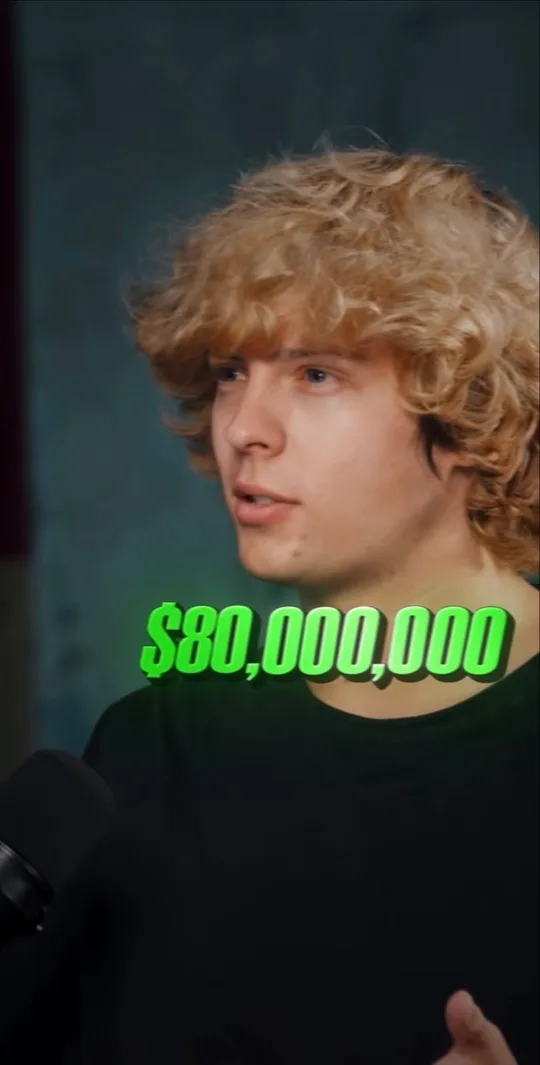
A video link for its best clips, a channel link to clip every new video.
One video → its best clips
A whole channel → its videos cut into clips automatically