Complete guide
From a long video to clips ready to post
Upload, detection, reframe, captions, tweaks, export — here's exactly what happens at every step, in detail. What a professional editor would take hours to do, here takes minutes — and you stay in control at every step.
Step 1
Drop a video, or paste a link
Everything starts with a single video — a file you drag in, or just a YouTube link you paste. It doesn't matter if it's ten minutes or three hours long: Averoai.pro grabs it and listens to every second to produce a complete, word-for-word transcript with exact timing. No software to install, no technical setup — as simple as sending a file to a friend.
- ✓Works with a link or a file (MP4, MOV, WebM)
- ✓The transcript captures every word, with exact timing down to the second
- ✓No artificial length limit — a video over an hour long is handled normally
- ✓Zero software to install, zero technical setup
 AI is spotting the best moments…




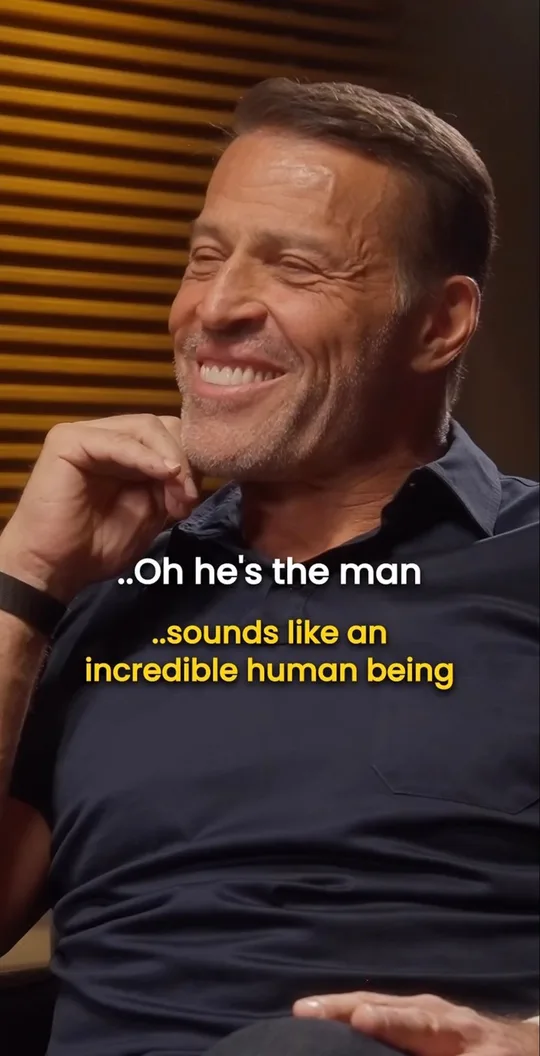
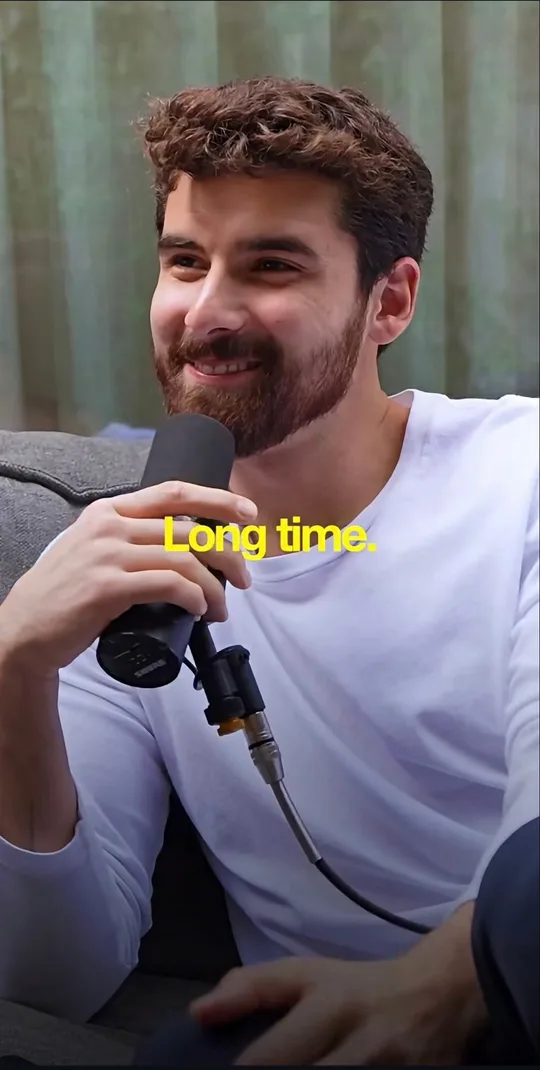
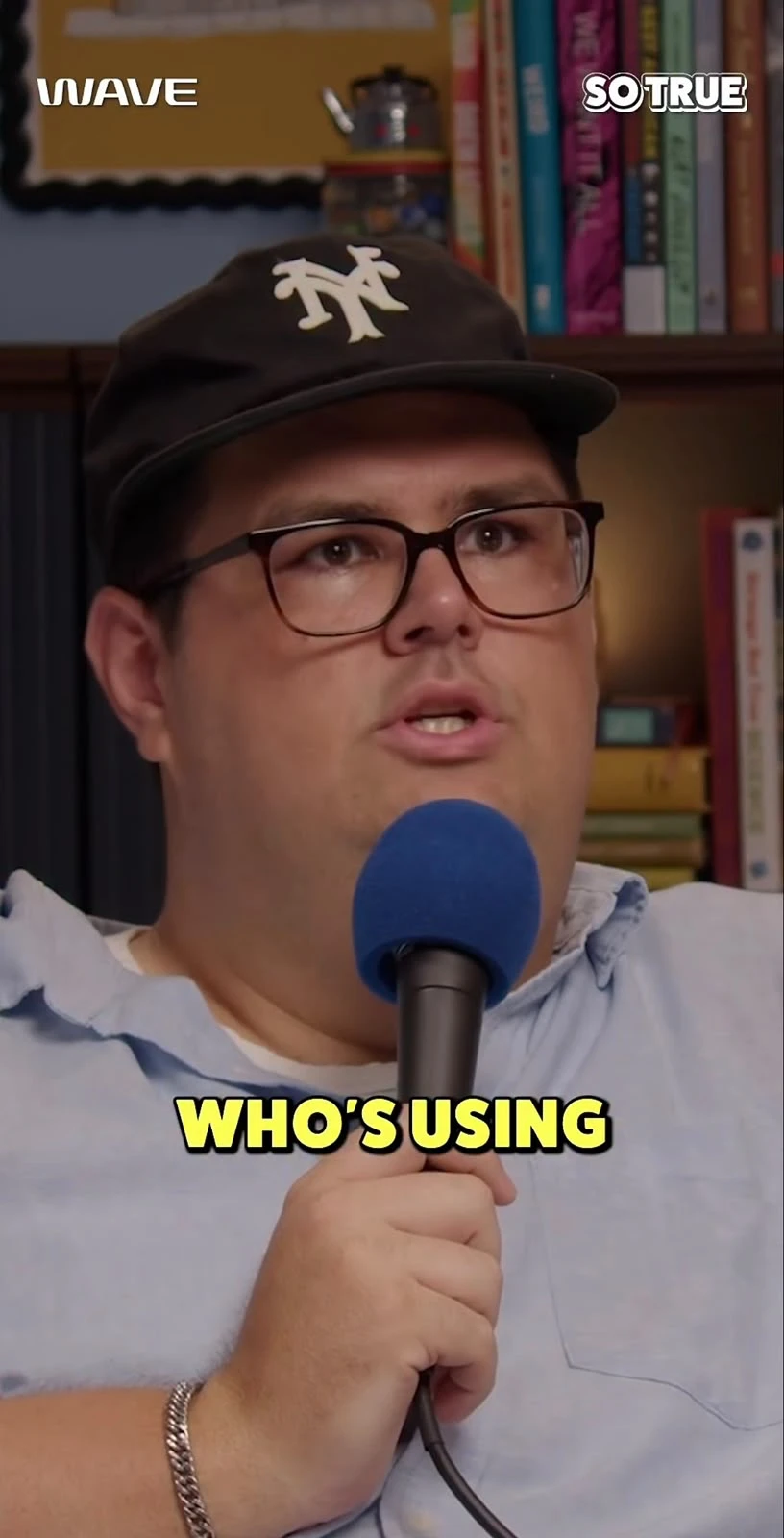
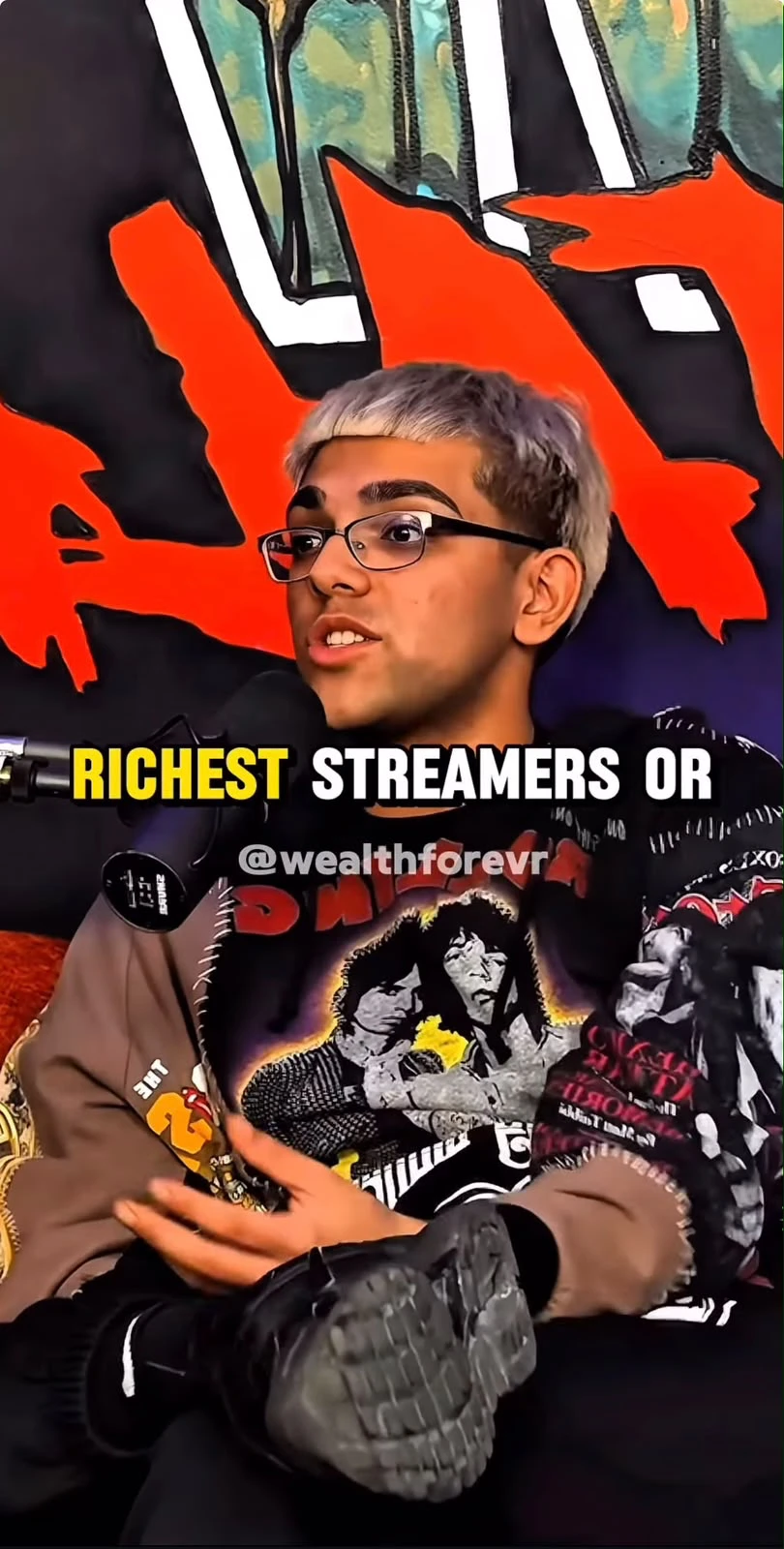
 94TRUE
 88BOOM
 91PULSE
 85GLOW UP
Step 2
AI spots the best moments
Watching an hour-long video to manually spot the 5 or 10 moments truly worth clipping often takes longer than the video itself. Here, the AI reads the entire transcript in minutes and spots the hooks that grab attention, the punchlines that land, the reveals that surprise — then gives each moment a viral-potential score and a plain-language reason it was picked. You never guess: you understand, and you decide.
- ✓Up to 50 moments detected automatically from a single video: the real count depends on its length and density
- ✓Every suggestion comes with a written reason, not just a number
- ✓A viral-potential score to prioritize without guessing
- ✓You always stay in control: accept, ignore, or adjust every suggestion
Welcome to this video, today
we're going to talk about the product launch,
and I'll show you how we get there.
"We're launching the product today"
1:24 — Strong hook
Step 3
Automatic reframe, in whatever format you want
A normally filmed video is wide (16:9) — but TikTok, Reels, and Shorts want a tall, vertical frame. Usually that means reframing frame by frame, by hand, to keep the right person centered. Here, you set a crop offset per clip, with a social-style blurred background instead of ugly black bars.
- ✓6 formats to choose from, clip by clip: vertical, horizontal, square, portrait, classic, cinema
- ✓Crop offset adjustable per clip, not a fixed point forced on you
- ✓Automatic blurred background, never black bars
- ✓Switching formats never means starting the whole edit over
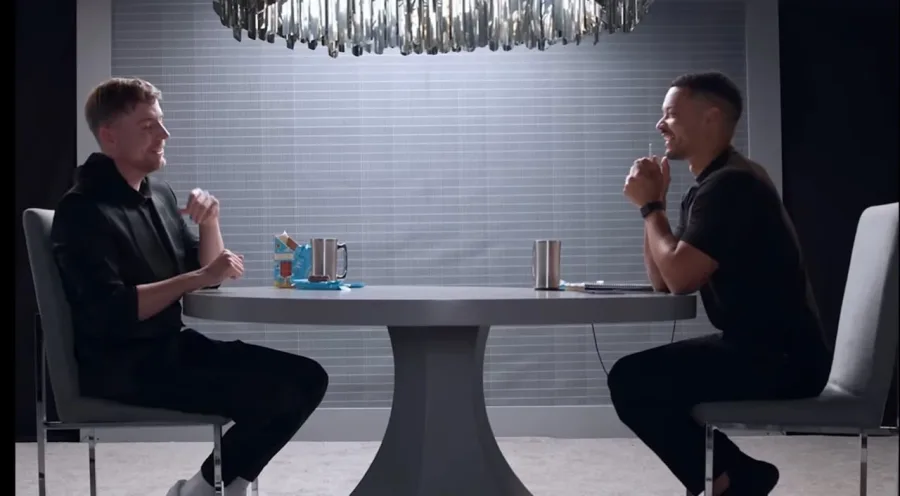
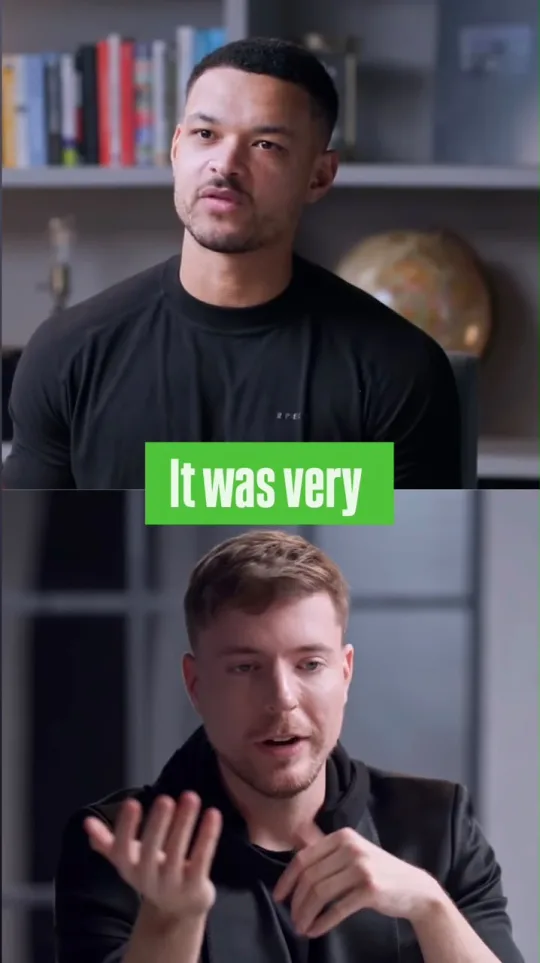
16:9 → 9:16, blurred background, subject recentered, captions burned in
Step 4
Captions burned in automatically
Most videos are watched with the sound off, especially while scrolling — a clip with no captions loses a big chunk of its audience in the first few seconds. Typing them out by hand, word by word, perfectly synced, is tedious work even for a professional editor. Here, the captions come straight from the transcript already made in step 1 — so they're already perfectly timed, ready to be styled in one click.
- ✓100 ready-made styles: gaming, minimalist, neon, glitch, and many more
- ✓Position, color, font — all customizable with a live preview
- ✓Automatic word-level sync, no manual adjustment
- ✓Translation available in 70 languages to reach beyond your own
Step 5
Tweak it by voice or by text
This might be the most impressive step. Instead of hunting for the right moment by scrubbing a timeline pixel by pixel, you just describe it, the way you'd say it to a real editor sitting next to you: "keep the part where she tells the dog story", "a bit earlier", "cut as soon as he starts laughing". No technical vocabulary to learn, no timecodes to know — the assistant understands the whole transcript and finds the exact right moment.
- ✓Works by voice (dictation) or by text, your choice
- ✓Understands natural instructions like "a bit earlier" or "keep her reaction right after"
- ✓Finds the exact moment anywhere in the full transcript, not just the clip already picked
- ✓Every tweak happens in seconds, without touching a timeline
Step 6
Export, or schedule the post
Once a clip looks right, it's actually ready: no rendering to wait through for long minutes, no opening another app to prep it for posting. It's already in the right format, already captioned, ready to download immediately or schedule to go out on its own, whenever you choose, once your account is connected on each network.
- ✓Instant one-click export, ready to post as-is
- ✓Built-in publishing calendar, schedulable up to a year ahead
- ✓Multi-network scheduling: TikTok, Instagram, X, YouTube Shorts, LinkedIn
- ✓No back-and-forth with another app — it all finishes here
And if you want to go further
Channel scan & auto-pilot
Two modes for a YouTube, Twitch or Kick channel. Scan (at your pace): you pick the channel's videos to clip, up to 30 per batch on Business, 15 on Pro. Auto-pilot: plug in the channel, and Averoai.pro regularly checks whether a new video has been published and processes it automatically. Either way, each video goes through the full pipeline — transcription, best-moment detection, cutting, captions — exactly like a regular import.
Learn more →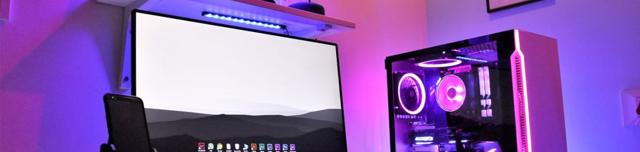













And that's not all
The same engine, with a lot more power behind it
Translation, niche templates, mass generation, smart zoom... every feature, in detail.
Caption translation
Pro70 languages to reach an international audience
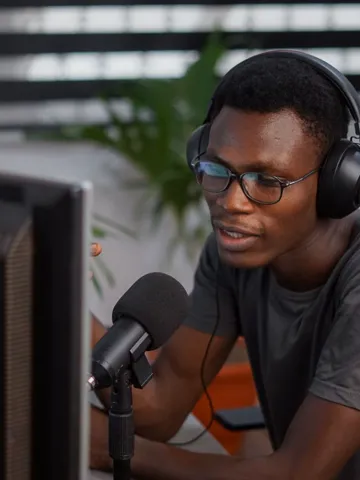 Interviewer
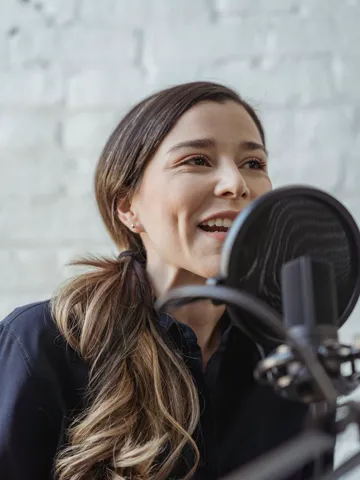 Guest
Speaker recognition
ProKnows who is speaking, line by line
Multi-platform import
ProYouTube, Twitch, Kick, and Google Drive
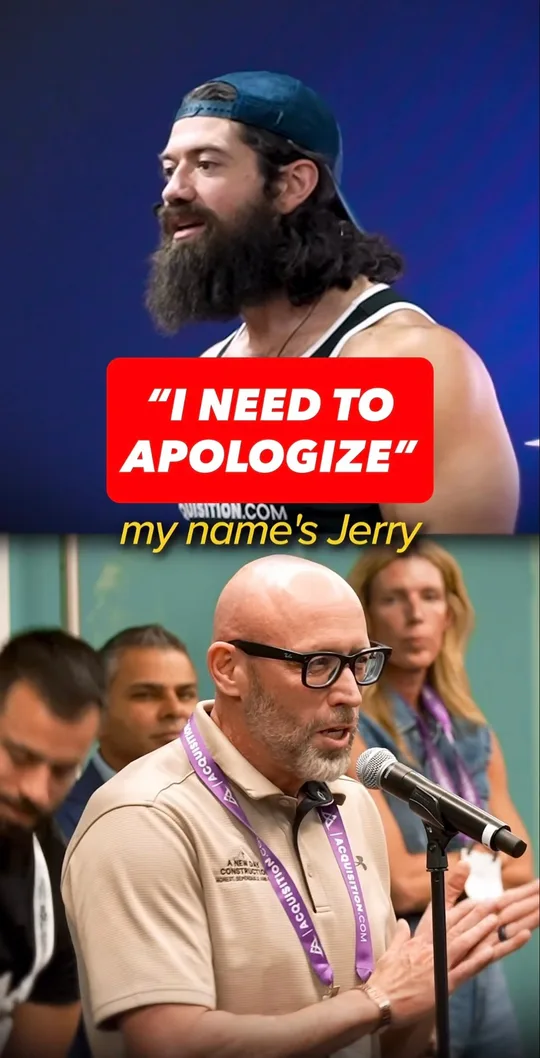



Mass clip generation
BusinessUp to 10, 20 or 50 clips per video depending on your plan
Estimated viral potential
BusinessA %, not a blind number — factors included
Get started with
A video link for its best clips, a channel link to clip every new video.
One video → its best clips
A whole channel → its videos cut into clips automatically